
In today’s unpredictable world, having a reliable way to communicate during an emergency isn’t just smart—it’s essential. Imagine facing a severe storm or unexpected power outage and being cut off from loved ones or emergency services. It can be unsettling, even terrifying. That’s why setting up an emergency communication system with a generator is not merely a precaution; it’s about ensuring you have a lifeline when it matters most. Whether it’s keeping your cell phones charged for urgent updates or using two-way radios to coordinate with family, understanding how to properly install and maintain these systems can make all the difference when every second counts. Let’s dive into how to secure that vital connection, so you’re always ready when trouble strikes.
To set up an emergency generator communication system, first ensure you have a reliable generator with a minimum output of 3,000 watts to power essential communication devices such as two-way radios and cell phone chargers. Next, connect your communication equipment to the generator using appropriate extension cords, and make sure to maintain the generator regularly according to safety standards for optimal performance during emergencies.
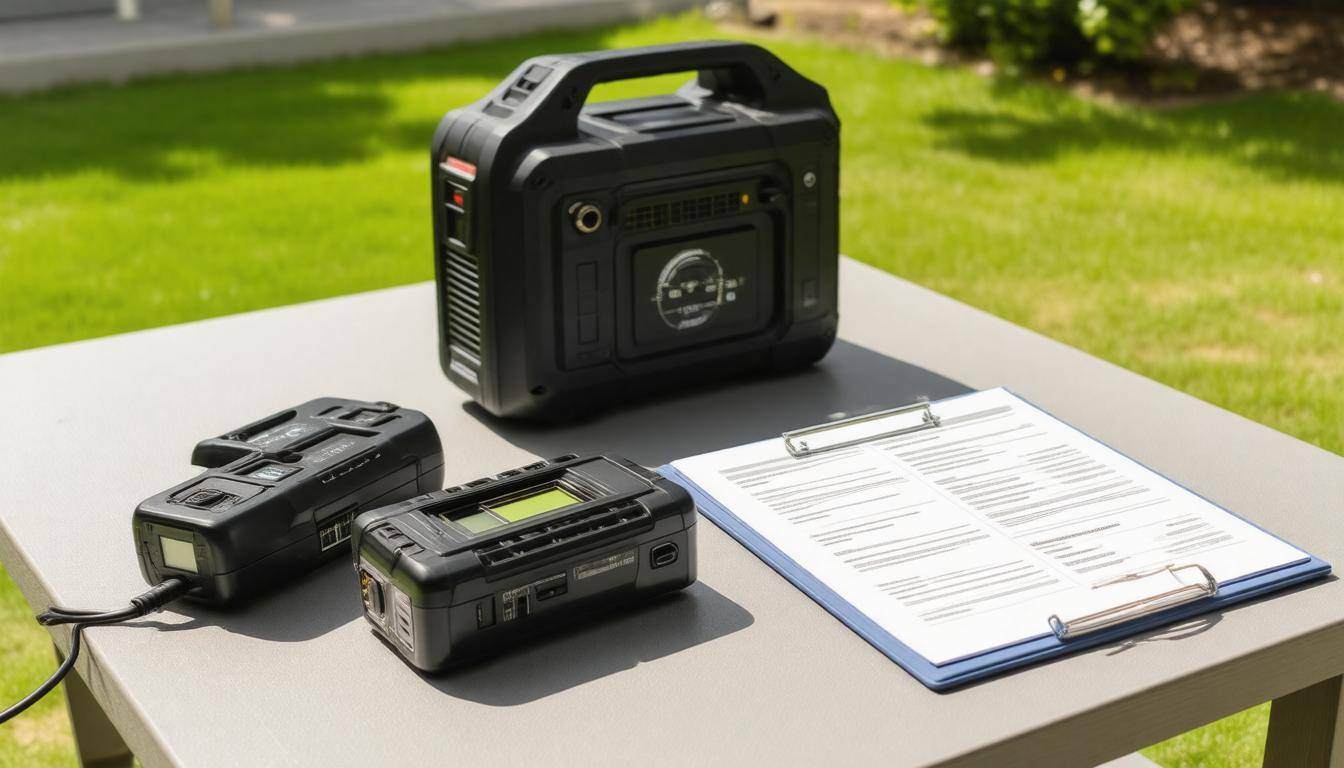
Emergency Generator Communication Setup Overview
When the lights go out, every minute counts. That’s where a well-prepared emergency communication setup becomes invaluable. By integrating a generator into this system, you can keep essential lines of communication open and maintain contact with family, friends, or emergency services. This not only provides peace of mind but can also be crucial for safety during unforeseen events.
Why It Matters
As nearly 70% of households face at least one power outage each year, this reality serves as a stark reminder of the need for preparedness. Power interruptions can happen without warning, disrupting all forms of communication and leaving individuals cut off from important information or updates.
The significance is clear: it’s not just about convenience; it’s about survival. In emergencies such as hurricanes or severe storms when power outages are more likely, having reliable communication enables individuals to share critical updates and coordinate their responses effectively. Imagine trying to contact loved ones during a natural disaster—it’s paramount that you remain connected.
What to Include in Basic Setup
-
Generator with Minimum Output: A generator with at least 3,000 watts is essential for powering multiple devices efficiently. This output ensures that you have enough energy for core communication equipment without overloading the system.
-
Two-Way Radios: These are indispensable for ensuring continuous communication between team members during an emergency. Unlike cell phones, which rely on infrastructure that may be compromised during disasters, two-way radios create direct lines that can withstand interruptions.
-
Cell Phone Chargers: Keeping mobile devices functional is vital since they serve as lifelines for updates and information. Having dedicated chargers ensures that your communication stays operational.
-
Emergency Broadcast Systems: These systems provide real-time alerts regarding public safety and instructions on how to respond during emergencies. Without them, valuable information could be missed.
-
Power Strips/Surge Protectors: To protect your electronic devices from surges when power is restored, these tools are essential in maintaining the integrity of your system and preventing damage.
It’s crucial to detail these components in your initial setup plan because being prepared goes beyond gathering materials; it requires strategy. Knowing what you need ahead of time allows you to set everything up quickly when an emergency strikes.
With this overview in mind, let’s turn our focus to the specific tools and technologies that will enhance your connectivity and readiness in times of crisis.
Essential Networking Devices and Cables
The very lifeblood of any communication system comprises its networking devices and cables. These aren’t just gadgets; they form the framework that ensures your connection is stable when it matters most. It’s crucial to choose wisely, as the right equipment helps avoid frustrating interruptions in service. To illustrate this importance, let’s examine the key devices essential for a comprehensive emergency setup.
Key Devices
One indispensable component of any network setup is a modem/router. When choosing a modem and router, look for models renowned for their ability to handle multiple connected devices simultaneously without sacrificing speed or reliability. A solid choice here can make all the difference during a power outage when everyone’s vying for connectivity.
High-quality models like those from the Netgear Nighthawk series can provide seamless performance even under heavy demand.
Next, consider Ethernet cables—the physical connections that bridge your devices to the network. Opting for Cat6 or Cat7 cables will allow for greater bandwidth and faster data transfer rates. This could be essential if you have several users needing access at high speeds, such as uploading files or streaming video during an emergency.
No effective setup would be complete without an Uninterruptible Power Supply (UPS). This device acts as a backup battery, keeping your modem and routers powered momentarily while transitioning between primary and backup power sources. In unexpected situations where power outages can occur, having a UPS could mean the difference between reaching out for help or being cut off entirely.
Navigating connection problems is challenging enough; don’t let power outages add to your worries.
Lastly, enhancing your wireless connection with signal boosters can significantly improve availability of your network in larger spaces or in areas distanced from the main router. Boosters work by amplifying the existing signal, allowing for a stable connection that supports emergency applications like text alerts or voice calls when you need them most.
As you strategize about these key devices, remember to take inventory of your needs based on the size of your household and how many devices might be online at once.
Now that you are equipped with a solid understanding of essential networking components, attention will shift to the next phase—seamlessly installing these devices into your emergency communication framework.
Step-by-Step Installation Guide

A successful installation hinges on a systematic process that guarantees not just functionality but safety as well. The very first step in this journey is positioning the generator correctly. You will want to locate it in a well-ventilated area, ideally outside your home, to prevent hazardous carbon monoxide buildup. This means keeping it away from windows and doors while ensuring it’s securely placed on firm, stable ground. Avoid areas with dry leaves or flammable materials nearby, as a small spark could lead to significant danger.
Step I – Positioning the Generator
Once you’ve found the right spot, check for any weather protection you may want. While most generators are built for durability, protecting them from rain or snow can prolong their life. If your generator is too loud, consider placing it further from living spaces to minimize noise disruption during an emergency.
After ensuring that the generator is properly positioned, we move on to connecting your networking devices.
Step II – Connecting Networking Devices
Begin by plugging the modem into the router using an Ethernet cable. It’s vital that this connection remains secure because it forms the backbone of your communication system. Next, you’ll need to connect the modem to the generator’s power outlet. Using an Uninterruptible Power Supply (UPS) makes sense since it provides battery backup, ensuring connectivity even when fluctuating power levels occur.
With network systems established, let’s efficiently set up additional communication tools like two-way radios.
Step III – Setting Up Two-Way Radios
Connect the charging stations for your two-way radios directly to the generator, making sure they’re plugged into an outlet operating at the appropriate wattage level. Fully charge each radio before your emergency hits; discovering they are not operational after a storm hits can be problematic. Test their range and clarity by having one person walk away while another speaks into the device—this will provide assurance that clear communication is possible during a crisis.
Next on our list: cell phone connectivity.
Step IV – Testing Cell Phone Chargers
Plugging in various mobile devices confirms that your cellphone chargers function properly and deliver consistent charge speeds—a key factor when needing communication during emergencies. Don’t just throw them in: check if they heat up excessively or malfunction while plugged into the generator; both are signs that something might be wrong.
Finally, it’s time to ensure broadcasting capabilities are secure.
Step V – Finalizing the Broadcast System
Setting up your emergency broadcast system should be the last piece of the puzzle. Connect it directly to your generator and perform a test broadcast to verify its reach and sound quality. Make sure you can hear messages clearly over both generated noise and environmental sounds—audible clarity could be crucial for coordinating responses in an emergency.
| Step | Description | Equipment Needed |
|---|---|---|
| Positioning | Securely set the generator outside with ventilation | Generator |
| Networking | Link modem and router through UPS | Ethernet Cables, Modem, Router, UPS |
| Two-Way Radios | Charge and test radios thoroughly | Two-Way Radios, Charging Stations |
| Phone Chargers | Confirm multiple devices charge efficiently | Cell Phone Chargers |
| Broadcast System | Establish and validate reach | Emergency Broadcast System |
Following these steps lays a foundation for a robust emergency communication system capable of keeping you connected when you need it most. Now, let’s explore how to maintain those connections under any circumstances.
Ensuring Reliable Connections
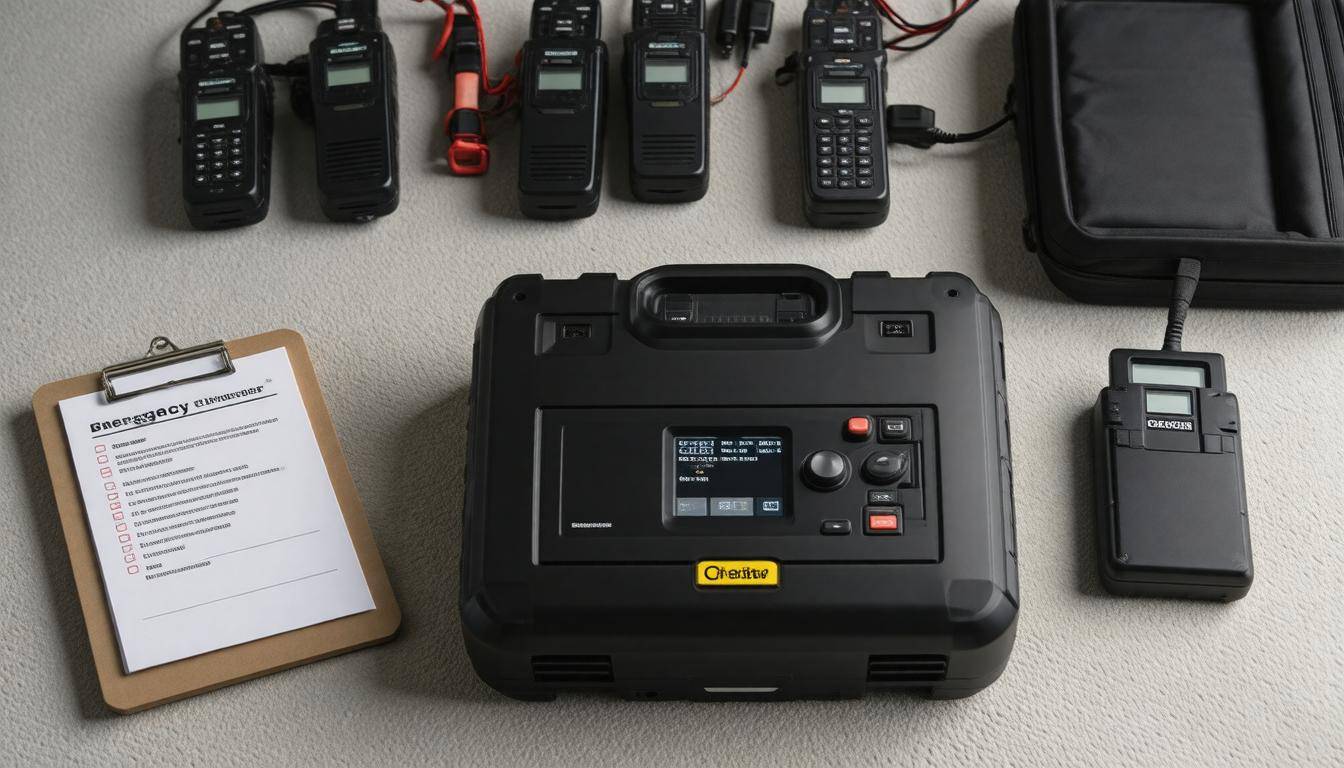
A dependable communication setup is anchored in robust connections that can withstand the chaos of an emergency. Your generator must be adequately matched with the total wattage requirements of all devices; this includes both continuous and surge wattage demands. Neglecting these specifications can lead to frustrating outages or unreliable communications right when you need them most. It’s not just about having a generator but ensuring it operates efficiently and effectively under the conditions you’re likely to face.
Signal Quality
One way to improve this reliability is by utilizing signal boosters. As homes expand or buildings integrate thick walls, the Wi-Fi range often falters, leaving dead zones where communication becomes inconsistent. Installing signal boosters can enhance coverage significantly. In fact, studies reveal startling statistics: according to a report by the Federal Communications Commission, even a mere 10% uptick in signal strength can yield an astonishing 50% increase in connection reliability.
So, if your phone or radio struggles to find a strong signal during an outage, a booster could mean the difference between staying informed and being left in the dark when seconds count.
Cable Management
Next, let’s talk about cable management. In the frenzy of setting up an emergency communication system, it’s easy to overlook how tangled wires can cause problems. Using cable organizers helps keep those wires neat and prevents them from tangling, which reduces the risk of accidental disconnections or signal interference. Taking a few moments to label each cord during setup will also save time later when troubleshooting issues arise. Imagine frantically searching for the right cable while all you want is a working connection—it’s not just inconvenient; it could jeopardize critical communications.
You should also consider periodic checks on your cables for wear and tear—this simple practice can prevent last-minute failures during crucial times.
With these practices in place, you significantly reduce your chances of connectivity hiccups when they matter most; however, integrating safety measures into your communication strategy takes on equal importance.
Safety Protocols and System Reliability
When it comes to emergency communication setups, the importance of safety protocols cannot be overstated. Everyone assumes that a generator will simply work when needed, but improper management can lead to serious issues. For this reason, you must adhere to clear guidelines. Regular maintenance checks of your generator should be prioritized. Fuel types matter—only using gasoline or propane is essential, as improper fuel can not only reduce efficiency but also pose dangerous risks.
I remember one client who neglected these checks; it turned into a disastrous weekend when her generator sputtered out right when she needed it most during a storm.
Generator Safety
Maintenance isn’t just a suggestion—it’s a lifeline. Always ensure that you conduct regular checks, especially before the storm season hits. When dealing with fuel, only refuel your generator when it’s turned off and cool to the touch. Imagine approaching a hot grill with lighter fluid; the potential consequences are alarming! To further ensure safety, consider marking your fuel storage areas clearly and using only approved containers.
Electrical Safety
Electrical safety interacts closely with generator functionality since an improperly wired setup can spell disaster. Utilizing surge protectors serves as a crucial buffer, protecting sensitive equipment from potentially destructive power spikes. Many might think they’re optional until that moment lightning strikes and their tech devices fry within seconds. In my own experience, I’ve witnessed how these small investments pay off significantly over time.
“After a sudden power surge last year, our surge protectors saved thousands of dollars’ worth of equipment,” says Mike, an IT manager. “It’s a small investment with substantial returns.”
Keeping such systems safe is just one facet of ensuring long-term operational reliability. Verifying the efficacy of your entire setup should become a routine habit, fostering confidence in your emergency communications when you need them most.
Testing and Verification Procedures
Testing your emergency communication system helps guarantee that every component is operating smoothly. Think of it like a regular health check-up for your setup. By performing these checks, you can identify potential issues well before a crisis arises, preventing lapses in communication during critical moments.
Regular Testing
One effective way to ensure system reliability is to schedule weekly or bi-weekly tests. During these test sessions, you should check all devices connected to your emergency communication setup thoroughly. A practical approach is to simulate power outages; this not only verifies that the generator activates promptly but also confirms that it can power your entire communication network without delays. Observing how quickly your systems transition from grid power to generator power can provide critical insight into the efficiency of your setup.
Consider setting a specific time for these tests—having a routine can eliminate any chance of forgetting. The goal here is not just to check off a task, but to gain confidence in your equipment’s reliability.
Signal Strength Measurement
Another essential aspect of the testing process involves measuring signal strength and quality across your network. With technology at our fingertips, using devices or mobile apps simplifies this task tremendously. Apps such as “Wi-Fi Analyzer” allow you to pinpoint weak spots in your network effectively. Understanding where your signals might falter can help tailor fixes that boost performance in those areas.
Keep an eye on how the signal strength changes with different positions of your equipment. Move around your space while monitoring the readings—this can guide you on optimal placements for antennas or routers, maximizing coverage and reliability.
With keen attention toward these details, you’re not only reinforcing the integrity of your emergency system but also laying down a framework that could save lives one day.
Addressing Problems
Should you encounter problems during your testing phase, it’s essential to have troubleshooting protocols in place. Familiarize yourself with common concerns, such as connecting cables that may appear loose or resetting devices when necessary. Keeping detailed logs of each test session can help identify patterns over time and enhance proactive measures against future issues.
As you focus on ensuring everything functions seamlessly, the emphasis on ongoing adjustments will prepare you for unexpected challenges ahead.
Troubleshooting Common Issues
Even the best systems can experience hiccups, particularly during an emergency. One of the most frequent problems many face with their generators is connectivity issues related to the devices they are trying to power. When this happens, start by carefully examining all physical connections; loose or damaged cables can disrupt communication.
Rebooting your modem and router might seem simplistic, but sometimes it’s exactly what’s needed to get everything back online. If you’re using wired connections, a cable tester can be a lifesaver, allowing you to quickly identify if any Ethernet cables have gone rogue.
Remember: A proper check of your network components could save you a headache in high-stress situations where reliable communication is critical.
Now, let’s explore generator-related issues. It’s important to keep the generator’s manual handy, as it’s often filled with helpful troubleshooting tips tailored to your specific model. Common problems can include fuel line blockages or malfunctioning spark plugs.
If you notice that your generator isn’t running at optimal efficiency or won’t start at all, a good first step is to perform regular maintenance—this includes checking for blockages in fuel lines and ensuring all filters are clean.
Should your generator fail to start despite following these guidelines, don’t panic. First, verify the oil level; low oil can trigger safety mechanisms that prevent the engine from firing up. Additionally, check the battery charge; sometimes a simple jump start can bring it back to life.
If these steps don’t work, remember that many generators have a reset function which could provide an easy fix.
Taking care of these common issues ensures that when you need power most—like during an emergency—your equipment will be ready with minimal fuss.
With these troubleshooting tips under your belt, you’ll be prepared not only to address minor headaches but also to reinforce the significance of proper upkeep moving forward. This proactive approach will ensure your systems function optimally when you need them most.
Maintenance Tips for Long-Term Use
Consistent maintenance guarantees that your emergency communication system remains functional over time. It’s essential to think of the maintenance process not just as a chore but as an integral part of ensuring safety and preparedness. Regular upkeep can mean the difference between seamless communication or being cut off from vital resources.
Regular Inspections
One of the primary recommendations is to conduct quarterly inspections of your generator and networking equipment. This isn’t just a routine; it’s about proactively checking for potential issues before they turn into serious problems.
Start with inspecting your generator, looking for any signs of wear and tear on cables, connectors, and hoses. A small fray in a cable might seem insignificant, but it could lead to major failures when you need power the most. Replace any damaged parts as needed.
As Sara points out, “We often overlook these little checks, thinking they aren’t necessary until something goes wrong.”
After checking the hardware, don’t forget to evaluate your networking equipment. Look for signs of rust or dirt accumulation that could impede performance. If you have a portable power source, ensure it’s fully charged and maintained according to manufacturer instructions.
Software Updates
Next, turning your attention to software updates is crucial. Ensure that all software and firmware for your networking equipment are up to date. Think of it as akin to keeping the doors locked; if you neglect updates, you’re leaving a window open for unwanted intrusions or vulnerabilities in your communication system.
Updates often contain critical security patches and performance improvements that protect against new threats or enhance functionality. Frequent checks for updates can save you from headaches down the road.
“We neglected our system’s updates once, and during an actual emergency, the outdated software crashed, leaving us in the dark for precious minutes,” recalls Sara, a disaster management volunteer.
This personal account serves as a stark reminder of the implications of postponing necessary actions. Regular check-ins on device settings can help facilitate this process, giving you peace of mind about your communication security.
By staying diligent about these maintenance strategies—both physical inspections and software updates—you’ll not only extend the lifespan of your emergency communication setup but also ensure its reliability when faced with unforeseen circumstances.
Investing time in systematic maintenance is not only wise but necessary for maintaining readiness in unexpected situations where reliable communication can make all the difference. Staying prepared today means ensuring a safer tomorrow.