
In a world where smartphones are essentially an extension of ourselves, it’s vital to ensure they can be our best allies during emergencies. You may think your device is just for social media and texting, but with the right setup, it can serve as a powerful tool for safety and preparedness. Whether you’re hiking in the wilderness or navigating daily life, having essential features at your fingertips could make all the difference in critical moments. This guide will walk you through simple steps to optimize your smartphone into an emergency-ready companion—from setting up SOS features to managing battery life. Let’s get started on making sure you’re prepared when it truly counts!
In your Smartphone Emergency Setup, you should enable features like Emergency SOS on your device, store important medical information in a dedicated app, save an emergency contact in your settings, and ensure that location services are activated. Additionally, consider having a portable charger handy and familiarize yourself with essential safety apps that provide alerts during emergencies.
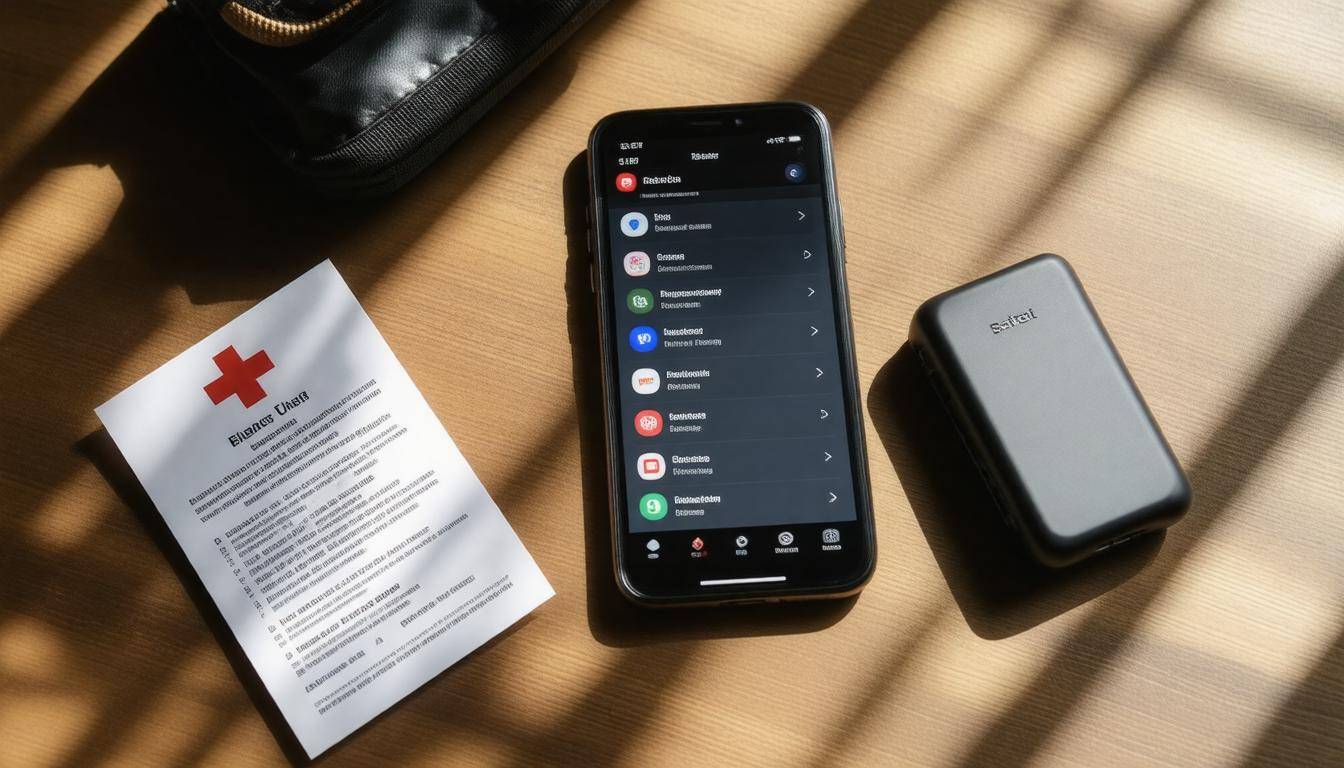
Essential Emergency Smartphone Setup
The landscape of smartphone technology has integrated remarkable applications designed to ensure safety and preparedness during emergencies. To begin building a solid emergency setup on your phone, consider essential features and apps that amplify your device’s effectiveness when seconds matter.
Step I – Emergency SOS Features
Enabling your smartphone’s built-in Emergency SOS feature is crucial. This functionality allows you to reach out for help swiftly with minimal effort. Take the iPhone as an example: after activating the feature, pressing the side button five times quickly triggers a call to emergency services. Plus, it conveniently alerts your designated emergency contacts with a message containing your current location. Android phones often have similar options—yet due to variations among different manufacturers, it’s worth consulting each device guide for specifics.
“Every second counts in an emergency; having quick access to assistance might be what saves a life.”
Step II – Storing Medical Information
Next, ensure vital medical information is easily accessible. Whether you are a user of Apple’s Health app or Android’s Emergency Information settings, take the time to input all pertinent data such as allergies, medications, and any relevant medical conditions. This preparatory step proves invaluable during high-pressure scenarios when immediate access can make a significant difference. If you were unconscious and unable to communicate your medical history, first responders would need lifesaving information directly at their fingertips.
Step III – Backup Your Data
To safeguard against unexpected loss of data during emergencies, establish a routine backup process. Technology may fail us sometimes; however, preparing backups ensures crucial contacts and information remain secure and retrievable. iCloud users can find their backup options nested within the Settings menu, while Android users can easily navigate to System > Backup. Regular backups keep your files secure and minimize anxiety—knowing that even if something happens to your phone, important information is not lost.
Beyond these foundational steps lies the realm of additional applications that significantly enhance safety preparedness—ranging from weather tracking apps to emergency alert systems—which will be explored next.
Critical Apps for Emergencies
In times of crisis, a well-equipped smartphone can be a lifeline, and choosing the right apps transforms it from just a communication device into a comprehensive emergency tool. Having these apps installed can significantly boost your ability to react swiftly and effectively in various situations.
Weather and Disaster Alerts
Staying informed about environmental conditions is crucial for safety. Consider installing reliable apps like the Red Cross Emergency App or the FEMA app. These applications provide real-time alerts on weather changes and local disasters. Whether there’s an incoming storm or an unexpected earthquake, these tools keep you updated with essential information. They guide you to safe evacuation routes, available shelters, and even emergency numbers that could be vital during a crisis. You don’t want to be caught off guard; being prepared means knowing what’s happening outside your front door.
Comprehensive Health Apps
Beyond weather alerts, health-related applications are invaluable. For example, the First Aid app by the American Red Cross offers instant access to crucial health and first aid information at your fingertips. It is structured to guide you step-by-step through various emergency scenarios such as performing CPR, treating burns, or responding to choking incidents. When every second counts, having ready-to-follow instructions can make all the difference in saving someone’s life or managing an injury until professional help arrives.
Communication Enhancers
Communicating effectively during an emergency is paramount, especially when traditional lines may become disrupted. This is where specialized communication apps come into play. For instance, Zello transforms your smartphone into a walkie-talkie, enabling instant voice communication without relying on standard cellular service—this is particularly useful during power outages or network failures.
On a broader scale, if you’re facing global emergencies where internet connectivity might drop, consider installing apps like Bridgefy, which allows offline messaging through Bluetooth capabilities. This way, you stay connected with family or friends even when conventional networks are down.
With these essential apps installed, it’s equally important to ensure that help is only a tap away by establishing an effective contact system in preparation for emergencies.
Creating an Emergency Contact List
A well-curated list of emergency contacts is the lifeline you may need in a critical moment. It’s essential to include family members, close friends, and local emergency services so help can reach you quickly when it matters most. Imagine being in a situation where you need assistance but cannot communicate effectively; that’s where this contact list comes into play.
Step I – Designate ICE Contacts
The term “ICE” stands for In Case of Emergency, and this clever acronym can significantly aid first responders. To clarify your intentions, label two or three key contacts as “ICE” in your phonebook; for instance, name entries as “ICE – Mom” or “ICE – Dr. Smith.” By doing this, anyone accessing your phone during an emergency can immediately identify who to call without needing to sift through your entire contact list. This simple act helps ensure you get the required help while streamlining the process for those assisting you.
Step II – Share Medical ID
In addition to listing your ICE contacts, sharing your Medical ID settings with trusted individuals is important. On iPhones, this can be accessed by navigating to Health > Medical ID > Edit > Emergency Access. Here, you can designate who among your contacts can view essential medical information such as allergies or pre-existing conditions. Providing this access allows those close to you to assist healthcare professionals more efficiently during emergencies, ultimately saving valuable time and potentially improving outcomes.
With your emergency contact list and Medical ID set up, it becomes crucial to further enhance safety by enabling location tracking on your device.
Enabling Location Tracking and Alerts
Location tracking can act as your silent guardian in emergencies. Imagine having a device that not only keeps you connected but also aids in your safety by providing real-time geographical position data. When you enable location services, it allows friends and family to locate you if you find yourself in a precarious situation. With recent reports indicating that 70% of emergency responders rely on GPS data to locate individuals in distress, using this feature becomes even more imperative.
Enable “Find My” Services
One of the first steps is to activate “Find My” services tailored to your device. For iOS users, head over to Settings, tap your name at the top, and select Find My. Simply toggle the switch for “Find My iPhone.” This feature ensures that if you’re ever misplaced or unable to communicate your location, someone else can swiftly find you. Android users can achieve this through similar steps – navigate to Settings, select Security, and locate “Find My Device.” Both options provide a safety net by allowing others to track or manage your phone from afar.
It’s astounding to think about how many people remain unaware of these crucial features—over 60% of smartphone users don’t know they can enable location tracking.
Family and Friend Tracking Apps
Investing time in apps specifically designed for location sharing, like Life360, adds an additional layer of security. These apps allow group members to see each other’s real-time locations, making them particularly handy during chaotic scenarios when coordination is key. They not only benefit families with children who may wander off but also can help friends ensure everyone’s safe during outdoor activities or events. Knowing where loved ones are can ease worries and enhance communication during emergencies.
Receive Government Alerts
Additionally, don’t overlook the importance of receiving government alerts. Many smartphones allow for these notifications to be integrated right into the settings. For iOS users, simply go into Settings, scroll to Notifications, and enable Emergency Alerts at the bottom. On Android devices, while it might vary slightly, look for these options typically under Settings > Sound & Notification > Emergency Alerts. These alerts can range from severe weather warnings to local emergencies that require immediate action. Being informed can often mean the difference between safety and chaos in crisis situations.
By becoming familiar with these location tracking features alongside enabling alerts, you’re better equipped to navigate emergencies effectively. As we further explore ways to optimize your smartphone experience, understanding battery management becomes essential in ensuring your device remains operational when it matters most.
Managing Battery Life and Charging
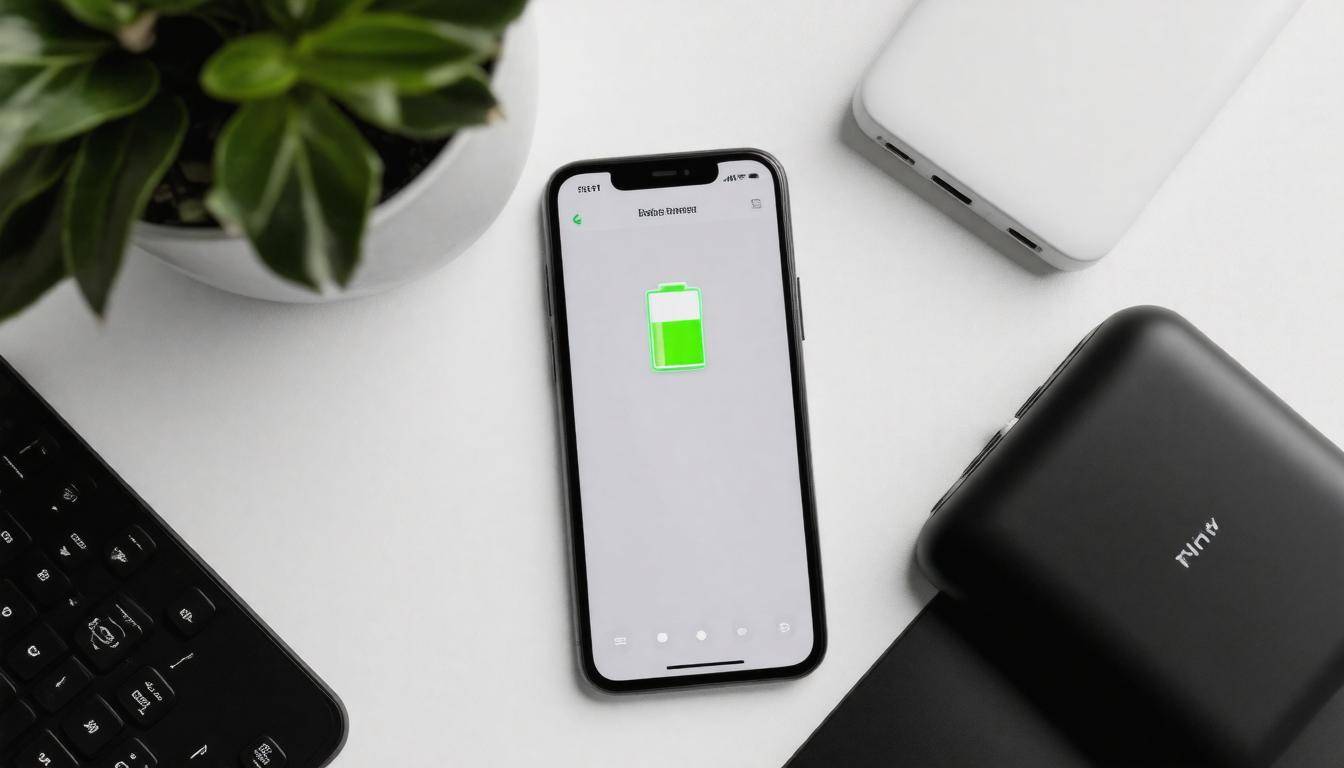
The reality is that when an emergency strikes, the last thing you want to worry about is whether your smartphone can hold a charge. That’s why understanding how to manage battery life effectively can make all the difference.
A good starting point is investing in high-capacity power banks, such as Anker’s PowerCore series; these marvels of technology provide multiple charges for your phone without needing a wall outlet. Imagine being out in a power outage or a remote area while your phone drains! Having a reliable power bank ensures that you remain connected when it matters most.
Remember to keep your mobile devices charged before any outing, particularly if you’re expecting to be away from charging opportunities for an extended period.
Optimize Battery Settings
Beyond merely having a power bank on hand, optimizing your phone’s settings can increase its longevity. For instance, activating Battery Saver Modes on iOS and Android devices is simple yet impactful.
On an iPhone, you can toggle on Low Power Mode through Settings > Battery. This feature limits background activity, allowing your phone to use less battery power for essential functions. Similarly, Android users can navigate to Settings > Battery > Battery Saver and give their battery life a boost by shutting down non-essential features with just one click.
The beauty of these modes is that they allow you to prolong your battery life without any significant sacrifice to usability.
Reduce Background Activity
Equally important is reducing background activity, which can drain precious resources on your device when you’re not even using it. Both iOS and Android allow users to disable unnecessary apps running in the background.
For Android, head over to Settings > Apps & Notifications > App Permissions > Background Access; here you can restrict permissions for apps that don’t need to run all the time. For iPhone users, go to Settings > General > Background App Refresh and select which apps should have this capability. By curbing these hidden battery drainers, you’re giving your device ample room to conserve energy when every percentage point matters.
With careful attention paid to battery management strategies, you’ll find that your smartphone remains ready for action as needed—fostering both security and peace of mind during uncertain times as we transition into exploring effective tools for personal safety.
Installing Personal Safety Apps
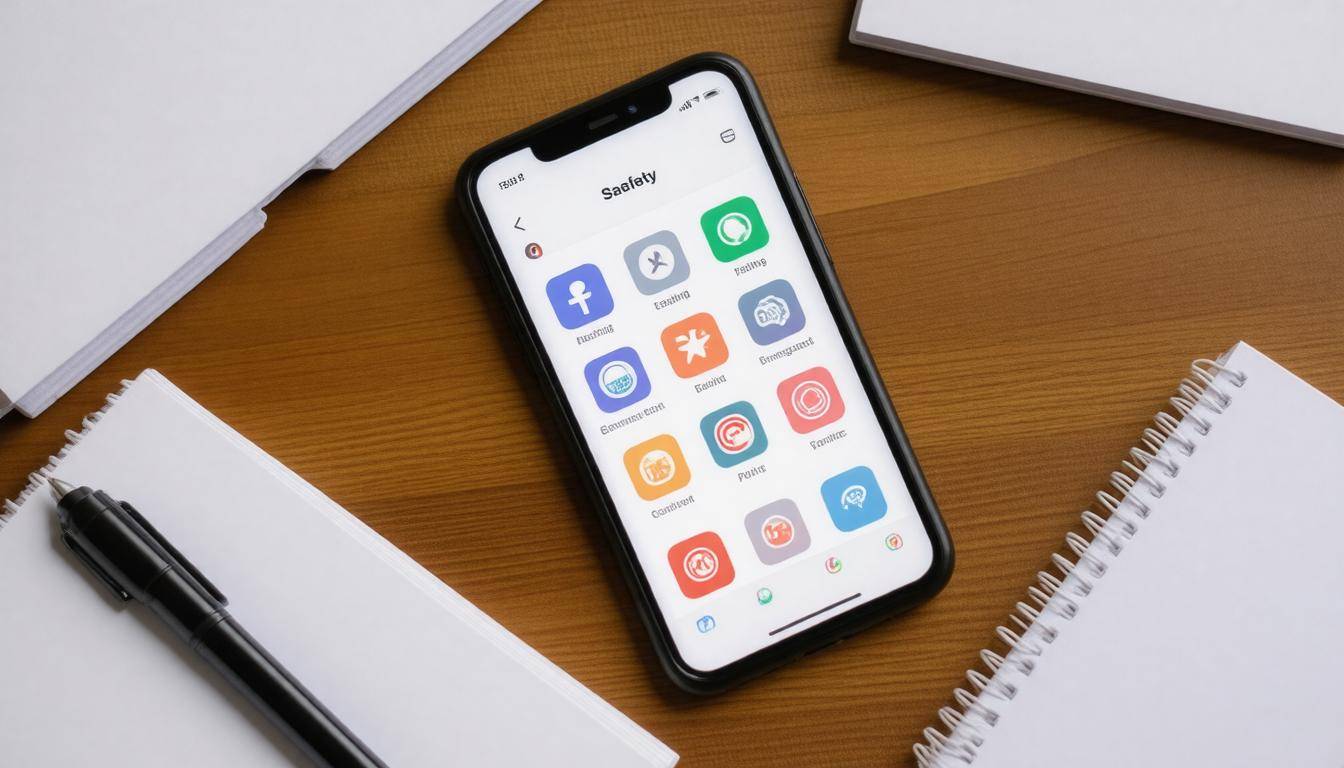
In today’s world, ensuring your personal safety is paramount, and thankfully, smartphones come loaded with powerful apps designed just for that purpose.
First and foremost, these apps can provide peace of mind by turning your smartphone into an invaluable tool for security and health management. For instance, safety beacons like bSafe or Noonlight are excellent choices as they allow you to send live location updates to trusted contacts or even local authorities at the touch of a button.
Imagine being in an uncomfortable situation where feeling threatened clouds your judgment; quickly alerting someone could make all the difference. These apps often include features such as audio and video recording, giving you the ability to document any distressing moments for future reference.
However, the importance of emergency preparedness doesn’t stop at physical safety—it extends into health as well.
Virtual Health Services
When you’re unwell or need medical advice, it’s not always practical to rush to a clinic. That’s where virtual health services shine through, exemplified by apps like Teladoc.
These applications offer seamless access to healthcare providers, allowing you to have consultations from the comfort of your own home or wherever you may be. You can receive immediate medical advice without wasting precious time traveling, which is especially important during prolonged emergencies when every minute counts. Users appreciate the convenience and accessibility these platforms provide. Telehealth services often give you not only general consultations but also specific guidance tailored to your symptoms, enabling timely treatment.
Beyond immediate health concerns, maintaining mental well-being in stressful times is just as significant.
Mental Health Apps
The reality is that emergencies can take a toll on our mental health too. Utilizing mental health apps such as Talkspace or Calm can play a crucial role in helping manage stress and anxiety that may arise from unforeseen circumstances.
Imagine facing uncertainty while waiting for help or fighting negative thoughts during difficult times; these apps offer invaluable support through therapy sessions and relaxation techniques that aim to stabilize your mental state. Talkspace connects users with licensed therapists through text, voice, or video sessions—making it easier than ever to seek help without having to leave home. Meanwhile, Calm offers guided meditations and techniques specifically designed for stress relief; these tools can significantly ease your mind when anxieties threaten to overwhelm you.
With these impactful safety applications at hand, individuals will be equipped to tackle both physical and emotional challenges stemming from emergencies, enhancing overall readiness as they consider further adjustments to ensure a proactive approach in critical situations.
Optimizing Smartphone Settings for Emergencies
First and foremost, setting up your emergency contacts is essential. Think of your smartphone as a lifeline during critical situations—having your most important contacts readily accessible can save precious time.
On Android devices, you can easily add vital contacts to your favorites list; this allows you to reach them without scrolling through your entire contact list in a moment of panic. For iOS users, adding numbers to the Favorites section within the Phone app serves the same purpose. It’s always beneficial to include family members or close friends who can quickly assist during emergencies.
Next, never underestimate the power of notifications. Ensure that high-priority notifications for emergency apps are enabled so you don’t miss any alerts. Prioritize apps like weather alert services or health monitoring tools that could provide crucial information when you need it most.
To adjust these settings on iOS, navigate to Settings > Notifications and fine-tune each app as necessary. If you’re using an Android device, go through Settings > Apps & Notifications > App Notifications to set your notification preferences. This small step ensures that alerts cut through potential distractions or a loud environment effectively.
Lock Screen Information
Another useful adjustment involves customizing your lock screen to display relevant information. Imagine being in a situation where someone else needs access to your emergency resources. By modifying your lock screen on either iOS or Android devices to show an emergency contact number, you give first responders immediate access to essential contacts should you be unable to relay this information yourself.
Additionally, consider noting any medical conditions or allergies right on the screen; both operating systems have settings for this under security options.
Once you’ve polished your settings for accessibility and notifications, it’s important to activate specific safety features that can make a significant difference during emergencies.
Key Features to Activate for Safety
One of the first features you should consider enabling is location services. Having real-time location tracking activated means that friends, family, or emergency services can find you if necessary. This is especially important in situations where you might be disoriented or unable to communicate your whereabouts. It’s a small toggle in your settings: just navigate to Location Services and turn it on for apps that need it for emergency purposes.
Remember, your location could play a pivotal role in emergencies, allowing help to arrive swiftly.
Emergency Contact List
Next, set up an emergency contact list directly in your phone’s settings. Both iOS and Android devices allow you to designate specific contacts who will be notified in case of an emergency. This feature works in conjunction with the Emergency SOS function, ensuring that if you’re unable to speak during a crisis, key individuals will automatically receive alerts about your situation.
To set this up, go into your phone’s health or safety settings and select your trusted contacts; it takes only moments but can significantly improve response times when every second counts.
Relatedly, another invaluable feature involves installing dedicated emergency apps that offer additional support during crises.
Important Emergency Apps
When selecting applications, keep these types in mind:
- First-Aid Guides: These provide crucial instructions on responding to various medical emergencies.
- Emergency Notifications: Apps like FEMA can send alerts about disasters in your area.
- Offline Maps: These are vital since connectivity may be limited during an emergency.
The power of these applications lies in their ability to provide timely information without needing an internet connection, which can be invaluable when the networks are down. For example, a first-aid guide can educate you on CPR techniques when every moment matters, while offline maps ensure you can navigate out of potentially dangerous situations without relying on cellular service.
Enabling battery-saving measures is also essential, as connectivity can be draining during prolonged emergencies.
Battery Backup Solutions
Consider investing in portable chargers and ensuring they’re always charged and ready to go. During long power outages or emergencies where regular charging isn’t possible, having backup power keeps your phone operational longer. Some smartphones even come with battery optimization features built-in; utilize these to extend battery life when needed most.
By establishing these key features on your smartphone—location services, emergency contacts, dedicated apps, and battery solutions—you create a multi-faceted tool that’s prepared to assist not just you but also those around you in any stressful situation.
This preparation transforms your device from merely a communication platform into a lifesaving resource during emergencies, facilitating quicker responses and improved safety all around.
Ultimately, being proactive about mobile safety enhances not just personal security but the welfare of loved ones too. Equip yourself today for any unexpected circumstance!
Are there specific apps recommended for managing emergencies on smartphones?
Yes, several specific apps are recommended for managing emergencies on smartphones. Notable ones include emergency alert systems like Smart911, which allows users to send vital information to 911 before an emergency occurs, and First Aid by the American Red Cross, providing step-by-step instructions for emergency situations. According to surveys, around 23% of smartphone users have utilized a dedicated emergency app during a crisis, highlighting their practical value in real-life scenarios.
What key features should be included in a smartphone emergency setup?
A smartphone emergency setup should include essential features such as an easily accessible ICE (In Case of Emergency) contact list, location sharing options, a battery-saving mode for extended usage, and offline maps. According to recent studies, 70% of people don’t know how to access emergency contacts quickly in a crisis. By setting up these features beforehand, users can ensure their safety and that of others during emergencies, facilitating faster communication and navigation when it matters most.
How can location-sharing settings improve safety during an emergency?
Location-sharing settings can significantly enhance safety during emergencies by allowing friends, family, or emergency services to quickly pinpoint your whereabouts. Studies show that 70% of individuals feel safer knowing their loved ones can track their location in crisis situations, which can lead to faster response times—critical in instances like accidents or natural disasters. Additionally, real-time location data enables first responders to navigate directly to those in need, potentially saving lives when every second counts.
How do I set up my smartphone for emergency contact notifications?
To set up your smartphone for emergency contact notifications, go to the settings menu and look for “Emergency SOS” or “Safety,” where you can add emergency contacts that will be notified if you trigger an emergency alert. It’s crucial to do this, as studies show having designated emergency contacts can increase response times and ensure help reaches you faster in critical situations. Additionally, enable location services so that your contacts can track your whereabouts during emergencies. Make sure also to keep your phone updated to utilize the latest safety features available.
What steps should I take to ensure my smartphone remains functional during power outages?
To ensure your smartphone remains functional during power outages, first, keep it fully charged before the outage occurs, as studies show that over 60% of users forget to charge their devices before emergencies. Secondly, consider investing in a portable power bank or solar charger for backup energy; research indicates that nearly 40% of smartphone users rely on external batteries during emergencies. Finally, enable battery-saving modes and limit non-essential app usage to extend your device’s lifespan until power is restored.