
In an age where information can disappear in the blink of an eye, knowing how to safeguard crucial documents is more important than ever. Imagine losing years’ worth of records due to a sudden flood or fire—devastating, right? That’s where emergency document scanning services come to the rescue, offering quick and reliable solutions to digitize your vital papers before it’s too late. As someone who has navigated the tricky waters of document management, I understand the urgency of these situations firsthand. Investing time in knowing your options can make all the difference when crisis strikes. This article aims to shine a light on the various services available, helping you make informed decisions about safeguarding your important documents.
Our “Emergency Document Scanning Services: Regional List” provides detailed information on various service providers across different regions, ensuring you can quickly locate and contact a nearby provider for urgent document digitization needs. The list includes company names, contact information, and service descriptions to facilitate your search effectively.
Emergency Document Scanning Services
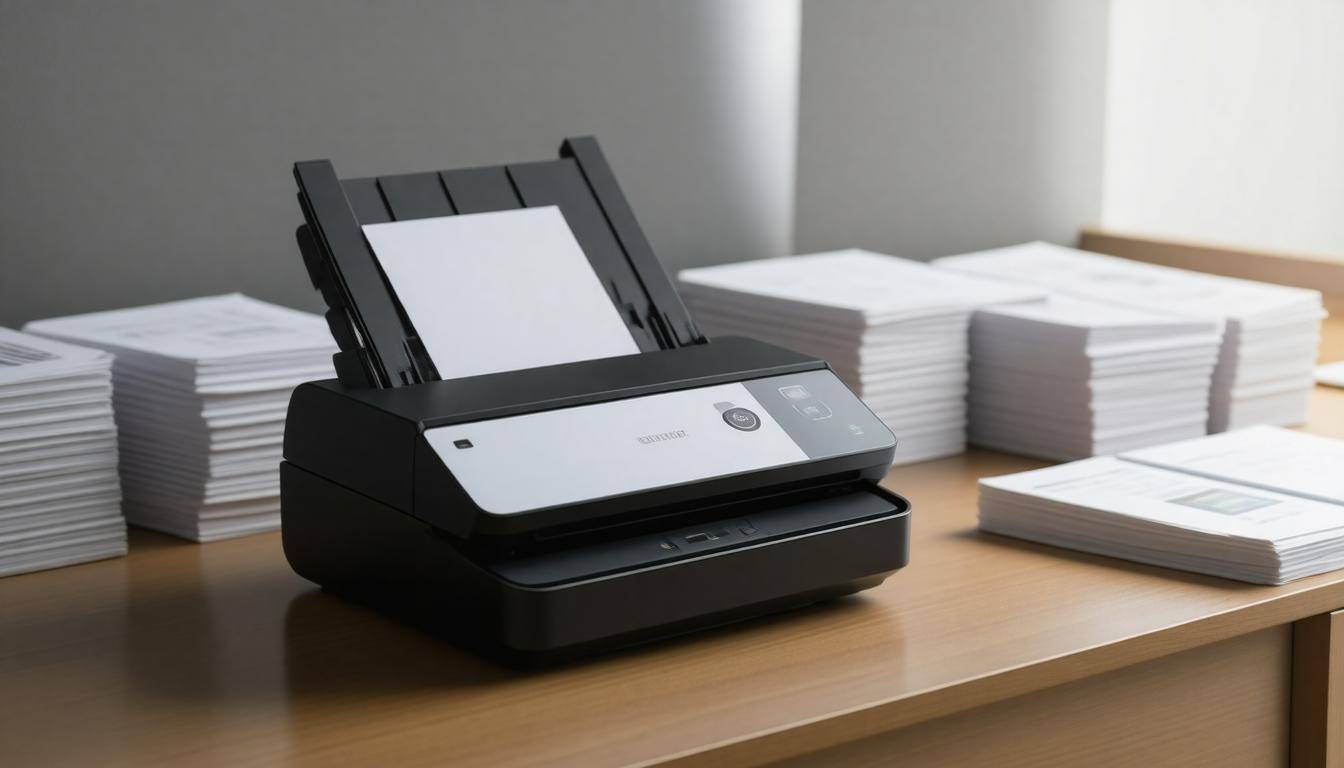
Emergency document scanning services serve as a vital lifeline when there’s an urgency to digitize physical documents rapidly. This is often necessary during unpredictable events such as natural disasters like floods or fires, office relocations with tight time limits, or legal matters where critical documents must be preserved quickly. In these urgent situations, relying on in-house capabilities may hinder the ability to respond swiftly. Instead, specialized services can efficiently handle the process while ensuring essential documents aren’t lost or damaged.
One of the key advantages of using emergency document scanning services is their rapid turnaround times. Many providers have invested heavily in advanced technology that enables them to scan thousands of pages within just a few hours. For instance, their high-speed scanners can quickly convert paperwork into digital formats while maintaining the integrity of each page. This not only saves valuable time—especially in crisis scenarios—but also offers peace of mind knowing that you won’t lose crucial information during chaotic moments.
Consider how useful this can be for organizations facing a sudden need to streamline operations. Companies like Iron Mountain and ARC Document Solutions mobilize entire teams tailored to your needs, demonstrating operational readiness even at night. Their capacity for heavy lifting truly comes into play in urgent situations; they can handle logistics like transporting files before scanning, allowing businesses to maintain continuity without a hitch.
The impact of these services on recovery also cannot be understated. A recent report by AIIM pointed out that businesses utilizing emergency scanning services are 60% more likely to bounce back from crises compared to those relying solely on their in-house resources. This statistic emphasizes not only how crucial these services can be but also how they form part of a strategic resilience plan.
If you think about it, having immediate access to digital records makes decision-making faster and helps keep operations running smoothly during difficult times.
With the importance of emergency document scanning services clear, it’s now time to examine specific offerings available across various regions so you can find suitable assistance when needed.
Options in Your Area
When faced with an overwhelming amount of documents that need digitization, knowing your options is paramount. Each service provider can have unique specifications and strengths that align differently with your specific needs. For instance, some companies might specialize in legal documents while others may cater more to educational institutions or healthcare records. Understanding their specialties can save you time and frustration down the line.
Step I – Online Directories
Utilize online resources like Yelp, Google My Business, or even platforms like LinkedIn to generate a list of document scanning services in your region. These directories not only provide business addresses but often include customer reviews to give you a sense of which providers excel in service quality. Did you know that small local businesses often thrive on these platforms?
For instance, Document Nation based in New York has garnered excellent feedback for its expedited services, while DocuScanPros in Los Angeles is noted for its attention to detail. Such insights can guide your decision-making process.
After identifying potential candidates, the next logical step is examining the specifics of their offered services.
Step II – Service Specs
Evaluating each service provider’s capabilities is crucial to ensuring they fit your document needs. Take time to ask about their bulk scanning capabilities—are they equipped to handle large volumes effectively without sacrificing turnaround time? Furthermore, inquire about Optical Character Recognition (OCR) technology; if they offer OCR services, this can transform scanned images into searchable PDFs. This functionality substantially enhances document usability and retrieval.
A health care manager once shared with me how utilizing a document scanning service with robust OCR features allowed her organization to streamline patient documentation retrieval, enhancing productivity significantly.
Another notable mention comes from a review on Google where a user emphasized their satisfaction with DocuTech Services in Chicago: “They digitized our entire archive of legal documents overnight, meeting an unexpected court deadline.” This highlights the timeliness some services can deliver under pressure—a critical factor in emergencies.
By understanding how each service operates and the technology they employ, you’ll be better positioned to select the right document scanning provider for your needs. Now, let’s turn our attention to the fascinating process behind the digitization of documents.
How Documents are Digitized
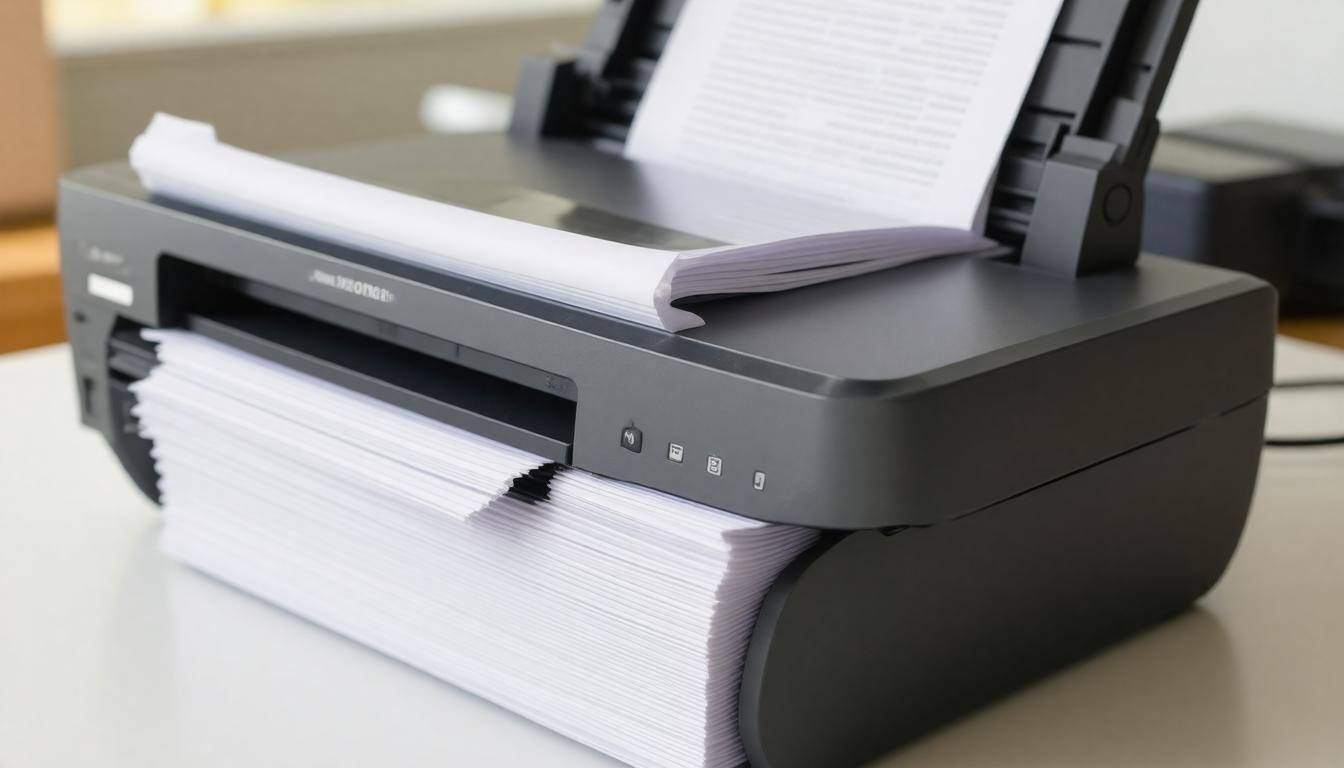
The digitization process is a meticulous journey that transforms physical documents into accessible digital files, involving several crucial steps to guarantee accurate and organized transformation. The first of these stages is preparation. Here, documents are meticulously inspected; staples and paper clips are removed to prevent damage during scanning. This seemingly simple task of straightening pages cannot be overlooked, as misaligned documents often lead to errors during the scanning process, potentially compromising the integrity of your digital records.
1. Preparation
When preparing documents for digitization, think of it as setting the stage for a performance. Just like an actor needs their costume in order before stepping into the spotlight, your documents need to be in pristine condition for scanning. Paper clips must be taken off to avoid scratches on scanner glass or interference with automatic feeders. Removing unnecessary items helps streamline what could be a chaotic process, setting up an orderly path for scanning.
Dirt also accumulates on paperwork over the years—cleaning them gently with a soft brush can help maintain the scanner’s quality while ensuring that scans reflect true readability.
2. Scanning
Once prepared, the documents move on to the scanning phase. High-speed scanners work efficiently here, converting documents into digital images at impressive rates—sometimes hundreds of pages per minute! Modern technology has advanced so much that these scanners can capture both sides of a page at once, significantly increasing productivity.
It’s fascinating how a device designed to replicate our analog materials can do so at such incredible speeds and accuracy. The sheer scale of efficiency demonstrated in contemporary scanners often leaves us in awe. A single scanner may replace entire rooms filled with filing cabinets!
3. OCR Technology
After scanning comes another critical component: Optical Character Recognition (OCR) technology, which takes those scanned images and translates them into machine-readable text. This step is pivotal because it transforms static images into dynamic files that can be searched and manipulated easily. For professions like law or medicine where large volumes of documents exist, being able to quickly retrieve information through keyword searches drastically streamlines workflows.
Imagine needing to locate a specific case file among thousands of documents; OCR makes this not only possible but efficient.
4. Quality Checks
Finally, a thorough review is key to ensuring that every page scanned has been captured accurately without anything missed or misrepresented. Quality checks are standard protocol following the digitizing phase. With technological advancements today allowing for accuracies approaching 99.98%, organizations can have confidence in their digital archives. These accuracy levels are achieved through sophisticated software algorithms designed to identify anomalies and rectify them swiftly.
By understanding these steps intimately—from preparation through quality control—you not only improve your own awareness but empower yourself when navigating various service providers available in your area.
With each element of digitization explained, you now have a clearer understanding of what goes into transforming your paper documents into convenient digital formats. Now let’s explore the variety of service options based on individual state offerings.
State-by-State Service Providers
When it comes to emergency document scanning services, you will find a diverse range of providers across the nation. Each state not only has its own unique companies, but these specialized services cater to different types of documents. For instance, if you’re based in New York, you can reach out to Document Nation, renowned for their expertise in legal documents. They’re just a phone call away at (212) 555-0198 and are known for their speedy and accurate handling of sensitive materials.
As we move towards the West Coast, California boasts DocuScanPros, who specialize in corporate records. Communication is key in business, and having efficient documentation is a game-changer; thus, their number (310) 555-0145 can be saved as your lifeline when the need arises.
In the heartland of America, Illinois offers DocuTech Services, focusing on governance-related documents. The importance of maintaining clear and accessible government records cannot be overstated, making them an invaluable resource for those in need. You can contact them at (312) 555-0172 for timely operations if you find yourself in need.
Heading down south, Texas is well-served by ScanNow, a provider specializing in medical records. In the medical field, where every second counts during emergencies, having prompt access to patient information can significantly improve outcomes. Not only do they ensure scan accuracy, but they can also be reached efficiently at (512) 555-0111.
Finally, we have RapidScan Services in sunny Florida, whose focus lies with insurance documents. Insurance claims often demand quick action and thorough record-keeping; having a reliable scanning partner like RapidScan is crucial during urgent events. They’re easily accessible at (305) 555-0156 when that pivotal moment calls for swift document retrieval.
While these providers showcase regional diversity and specialization, understanding what to prioritize when selecting a service will prepare you for the unexpected. Let’s explore what factors will lead to finding the right support for your needs.
Factors in Choosing a Service
When the need for emergency document scanning arises, the selection process can feel overwhelming. However, focusing on specific aspects will help simplify your decision-making. The importance of speed in these situations cannot be overstated; after all, when you’re in the midst of a crisis or deadline, every minute counts. Inquire about their turnaround time—how soon can they begin processing your documents? A service that understands urgency and can respond quickly often proves beneficial.
Equally crucial are security measures. In today’s digital age, data protection has become paramount. Ensure that the service you choose complies with regulations relevant to your industry, whether it’s GDPR for privacy issues in Europe or HIPAA for health-related documentation in the United States. This due diligence not only protects your data but also safeguards your reputation.
Another factor to keep at the forefront is pricing models. It’s important to understand how a service charges for its offerings—whether on a per-page basis, hourly rates, or a flat fee. Each model has its pros and cons depending on the scope of your project. For instance, if you’re scanning a large volume of documents, finding a company with a flat-rate option could be more economical. Thus, comparing pricing across several providers may lead to significant cost savings.
Lastly, consider the provider’s reputation. Check reviews from other businesses that have utilized their services; this feedback can provide invaluable insights into their reliability and quality of service. Websites dedicated to business reviews often contain details highlighting both strengths and weaknesses of various service providers.
By keeping these factors front-of-mind during your evaluation process, you’ll enhance your efficiency while ensuring that you are entrusting your critical documents to a competent and trustworthy vendor. As we navigate through the specifics of choosing a service provider, it becomes equally important to explore what rapid scanning can offer in terms of benefits.
Advantages of Rapid Scanning
Rapid scanning services significantly reduce the time it takes to convert physical documents into digital formats. But these services offer more than just speed.
One of the most compelling advantages is immediate access to documents. Imagine needing a crucial report during a client meeting without having to sift through stacks of paperwork. With rapid scanning, your important documents are just a click away, accessible from any device with an Internet connection. This greatly enhances continuity, especially during unexpected disruptions like natural disasters or office relocations. You can keep working seamlessly, even when traditional methods falter.
This leads us to another significant perk—space saving.
Consider your office space cluttered by mountains of paper. Now envision converting those physical documents into digital files. Once digitized, not only does your workspace feel more organized, but it also allows for better utilization of the available space. You can repurpose filing cabinets or even transform entire rooms into collaborative areas instead of storage zones. The act of freeing up physical space brings peace of mind as well, contributing to a productive work environment.
And there’s more—let’s talk about enhanced organization.
Improved organization is another key benefit that comes with rapid scanning services. Digital documents can easily be named, tagged, and categorized, making retrieval simple and efficient. Forget searching through file drawers; with a quick search on your computer or cloud system, you can find what you need in seconds. Additionally, many rapid scanning services integrate Optical Character Recognition (OCR) technology that converts scanned images into text. This means that you can search the content within your documents as easily as you would a standard word processing program.
All these aspects create a smoother workflow, allowing employees to focus on their core responsibilities rather than hunting down lost paperwork.
To fully leverage these advantages, it’s crucial to ensure that essential features are consistently maintained by service providers, which opens the door to exploring what makes an express service invaluable in today’s fast-paced environment.
Quick Service Essentials
For a scanning service to be truly effective in urgent situations, several key components must align seamlessly. First and foremost, 24/7 availability is non-negotiable. Emergencies can arise at any hour, so having access to a service round-the-clock can mean the difference between disaster recovery and prolonged chaos. Imagine having a flood in your office at 2 AM—who would you call? A reputable emergency scanning service ensures that help isn’t confined to business hours. As one client from Miami noted, “We had a flood in our office late Saturday night and RapidScan Services were here by Sunday morning.”
With availability established as critical, we now turn to the onsite vs. offsite scanning debate that many clients face.
Some businesses prefer on-site scanning for peace of mind. When documents remain on your premises, there’s less risk of loss or damage during transport. However, this method can sometimes lead to slower service, especially if the equipment requires setup time or if the volume of documents is high.
On the other hand, off-site scanning services can tackle larger batches more quickly, utilizing advanced technology without the constraints of mobile equipment. Still, this convenience is countered by the inherent risks of transportation—what if something were to happen en route? As such, it is essential to weigh these options carefully based on your specific circumstances and needs.
Beyond availability and location comfort, responsiveness also plays a crucial role in emergency scenarios.
A fast response is vital; when disaster strikes, every minute counts. A good scanning service should not only be available but also ready and equipped to act swiftly. The quicker they arrive on-site, the sooner they can begin preserving your important documents and data. This rapid engagement can significantly minimize downtime and losses associated with an emergency.
Furthermore, familiarity with various document types can enhance the efficiency of service delivery. Whether it’s legal documents, medical records, or historical archives, specialized knowledge means that technicians can handle materials with care while optimizing their scanning methods for speedier processing.
Understanding these essentials allows for more informed decisions during emergencies, prepping you for navigating situations effectively while considering alternate resources that might offer additional support.
Alternative Solutions
Though emergency document scanning services provide valuable support when time is of the essence, there are several practical alternatives worth considering for their proactive benefits. One of the most effective measures you can take is to implement cloud backups. By regularly uploading important documents to a secure cloud service, such as Google Drive or Dropbox, you create a safety net that reduces urgency during crises. These platforms often offer automated backup features, ensuring you never have to scramble to recover lost information again.
Another flexible option for handling immediate document needs lies within our smartphones—specifically through mobile scanning apps. Apps like Adobe Scan or Microsoft Office Lens allow you to digitize physical documents with just a few taps on your phone screen. While this may not be as rapid or comprehensive as professional services, it enables you to capture crucial documents efficiently in emergencies. In situations where time is tight and only a few pages need digitizing, this straightforward solution can feel instant and greatly alleviate stress.
However, prevention is genuinely the best cure, and one way to safeguard your documents from potential disasters is to invest in physical storage solutions. Fireproof and waterproof storage cabinets serve as reliable protectors against environmental threats. By storing hard copies safely away from common household dangers, you preserve the integrity of critical paperwork that cannot easily be replaced.
Considering these alternative solutions alongside emergency document scanning services equips you with a multi-faceted strategy for managing documents effectively. By taking proactive steps now—through regular backups, easy-to-use mobile apps, and solid physical storage—you’ll position yourself to handle unexpected situations with greater confidence.
Incorporating these strategies not only enhances your information management but also brings peace of mind knowing you’re prepared for any unforeseen events.